Google AI Mode App Links Are Bigger Than You Think
Google AI Mode App Links Are Bigger Than You Think
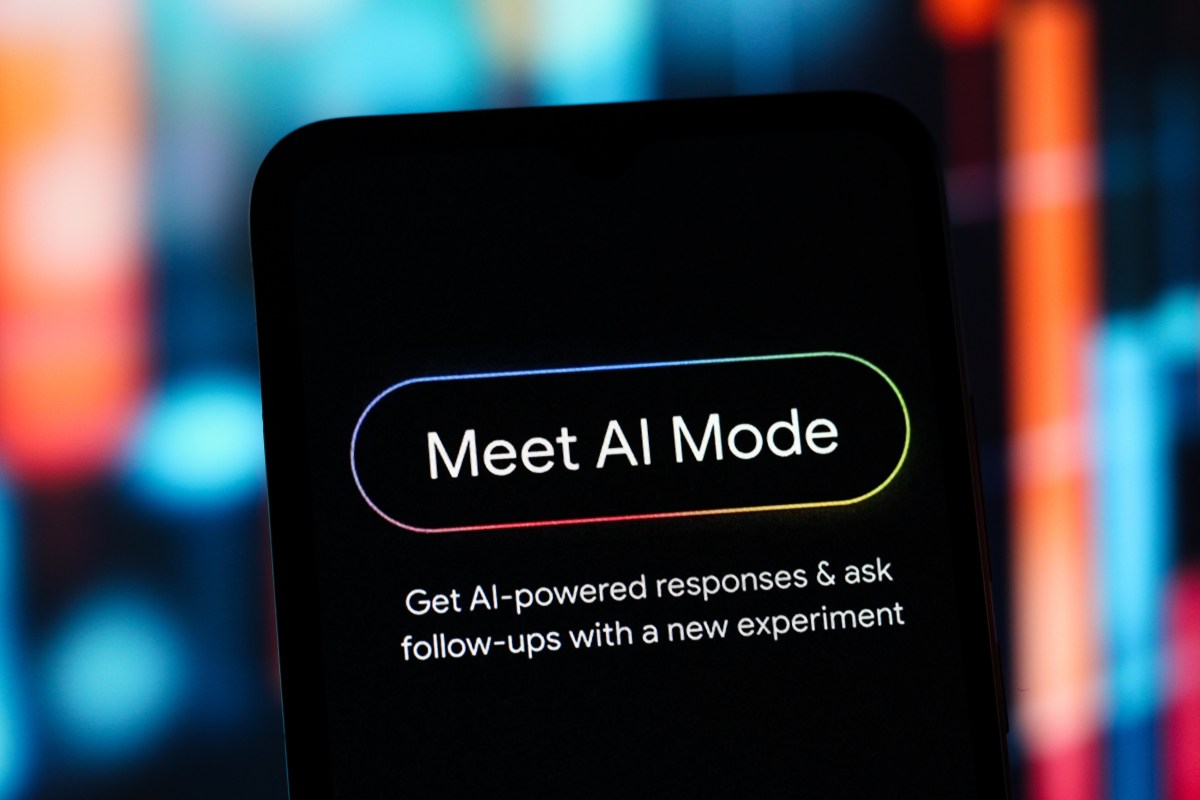
Google’s AI Mode can now connect to your apps and act on your behalf. Most people will see a search upgrade. I see a wealth transfer in progress. The businesses that wire this into their financial workflows in the next 90 days will have a cost structure their competitors cannot match without building something from scratch.
What Google Just Changed
Google rolled out app connectivity inside AI Mode, letting users link services like Gmail, Calendar, Maps, and select third party apps directly into their AI powered search experience. You ask a question and the AI does not just answer. It pulls from your actual accounts, your actual data, and in some cases takes action for you without an extra click.
This is not a small update. According to Google, AI Mode has been handling hundreds of millions of queries per month since its US launch in May 2026. According to Statista, Google holds roughly 91 percent of the global search market. When Google changes how search works, it changes how money moves through every business that depends on information to make decisions.
The app integration follows what Google calls “agentic” behavior, where the AI does not just retrieve information but acts on it. According to The Verge, Google confirmed partnerships with select developers to allow deeper read and write access through AI Mode, starting with productivity and finance apps. That last part is where the real story lives.
This Is Not a Search Story. It Is a Money Story.
Here is what most people will do. They will link Gmail, feel good about getting faster answers, and go back to their day. Maybe they connect their calendar. They will use it the same way they used Google before, just slightly faster. That is the employee mindset.
Here is what an operator does. They map every repetitive task their business runs through Google’s services and they start pulling those into AI Mode workflows. Expense approvals. Vendor follow-ups. Invoice tracking. Every hour of admin work that eats into margin becomes a target.
The fintech angle here is real money. According to McKinsey, knowledge workers spend an average of 28 percent of their workweek managing email alone. That is more than one full day of paid labor per person just handling a communication pipe. If Google’s AI Mode can process, sort, and act on a meaningful share of that, the math changes fast for any business running lean.
Think about what this means for expense management. If AI Mode connects to your business card platform and your inbox, you get automated receipt capture and category sorting without building a custom integration. A platform like Wallester, which handles business cards and real time spend visibility, becomes dramatically more useful when an AI layer can read transactions and surface patterns inside your normal search workflow without you touching anything extra.
The people who get this right will not wait for the perfect integration. They will start with what is available today, connect their tools, and document what saves time. That documentation becomes their edge when the technology matures and the market catches up.
What I Would Do Right Now
First, do not wait for the feature to be perfect. Connect what you can today. Link Gmail and Calendar to AI Mode and spend one week watching what it surfaces. You are looking for moments where the AI anticipates something you were going to do anyway. Those moments tell you where your workflow has fat.
Second, audit your business for Google adjacent workflows. Where does information enter through Gmail or Docs and then get copied somewhere else by hand? Those handoffs are your targets. According to Harvard Business Review, manual data transfer between systems accounts for up to 40 percent of administrative errors in small businesses. AI Mode will not fix all of that overnight, but it will cut into it.
Third, think about your payroll and HR communications. If you run Gusto for payroll, your team is already generating a steady stream of email based requests, approvals, and confirmations through Google’s. An AI that reads those signals and prompts the right action before you forget is worth real money at month end when payroll errors cost time and credibility with your team.
Fourth, watch your competitors. The companies that figure out the right app combinations early will start moving faster on deals, responding faster to clients, and catching errors that slow movers miss. That gap compounds every quarter.
Start with one app. Build one habit around the AI’s suggestions. Add another when the first one is working. This is not about using every feature at once. It is about getting ahead while most of your competitors think this is still just a search box.
The Bottom Line
Google handed businesses a tool that can shrink admin costs without hiring or firing anyone. Most will ignore it or use it the same way they use regular search. The operators who treat AI Mode as a workflow layer and not a search feature will come out with a structural cost advantage that takes their competitors years to close. I would not wait to find out which side of that line you land on.
Frequently Asked Questions
What apps can Google AI Mode connect to right now?
As of mid-2026, Google AI Mode supports direct integration with Gmail, Google Calendar, Google Maps, and a growing list of third party apps through select developer partnerships. Check Google’s AI Mode settings in Search for the current options tied to your account. The list is expanding fast.
Is Google AI Mode available to everyone?
Google AI Mode launched in the US in May 2026 and is rolling out progressively by region. According to Google’s Search blog, access is tied to your Google account and international expansion is expected through late 2026. If you do not see it yet, it is coming.
How is this different from ChatGPT or Copilot for business?
The key difference is native data reach. Because AI Mode lives inside Google Search and connects to Gmail, Calendar, and Maps without extra setup, it touches your actual business data where it already lives. Competing tools require more deliberate integrations to reach the same depth in Google-centric workflows.
Is my financial and email data safe when I connect it to AI Mode?
Google states that app connections in AI Mode use the same permissions framework as existing Google account integrations. You authorize access per app and can revoke it at any time. According to Google’s privacy documentation, AI Mode does not train on personal email or account data without explicit consent.
How should a small business owner start using Google AI Mode app connections?
Start with Gmail and Calendar since those are the highest entry points for most businesses. Spend two weeks observing what the AI surfaces before you try to automate anything. Once you see where it saves time, add one more app connection and build from there rather than trying to wire everything at once.
Get stories like this in your inbox. Daily.
Free. No spam. The AI, tech, and finance stories that move money.