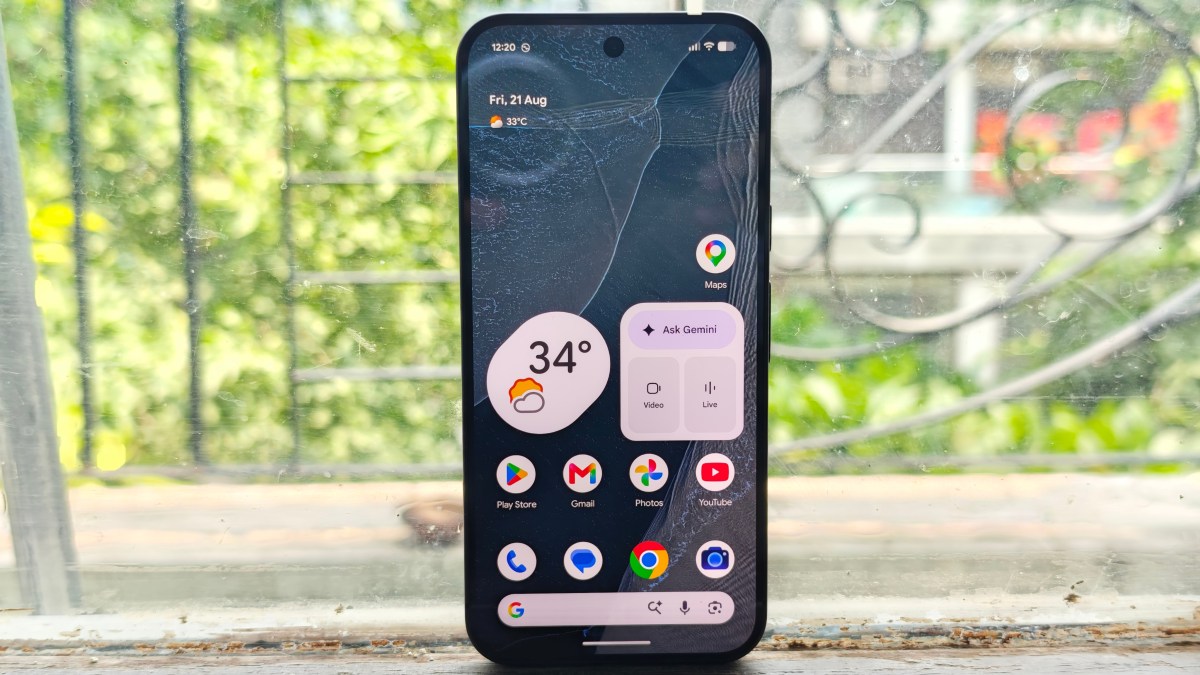
On-device AI models now require 2 to 6 gigabytes of RAM just to load, according to Google’s on-device AI benchmarks. The average Android phone ships with 6 to 8 gigabytes total. That means half your device’s memory is gone before you open a second app. This isn’t a future problem. It’s a crisis happening right now, and most developers are still pretending it isn’t.
Why the Crunch Hit in 2026
Three things collided to create this mess.
First, Google pushed hard on on-device AI. Android 15 baked in Gemini Nano. Android 16 expanded it. Every major app store category now rewards AI features. Developers felt real pressure to ship with local AI or get left behind in search rankings and app store algorithms.
Second, model sizes haven’t shrunk fast enough to match the hype. According to Google’s Gemma model documentation, Gemma 2B needs roughly 1.5 to 2 gigabytes of RAM in standard precision. Gemma 7B needs 4 to 7 gigabytes depending on how it’s quantized. Most useful AI features live in that range. That’s a lot of overhead for a productivity app or a camera tool.
Third, Android’s memory management wasn’t built for this load. According to Android developer documentation, the system terminates background processes as memory pressure rises. Stack a 4 gigabyte AI model on top of a normal app session and background tasks start dying constantly. Users lose data. Apps restart from scratch. Reviews tank.
According to IDC, the majority of Android devices shipped globally in 2025 ran on 6 gigabytes of RAM or less. That’s the hardware floor the entire is standing on. The gap between what AI features demand and what most devices can give hasn’t closed. It’s widened.
The Contrarian Take: This Is a Money Filter
Most developers are treating the memory crunch as a technical problem to solve. I see it as a filter that separates shops that ship clean from shops that ship bloated, and that filter has real dollar consequences.
Here’s what the average developer will do. They’ll add AI features because the app store demands it. They’ll test on a Pixel 9 Pro or a Galaxy S26 and call it good. Then they’ll ship to a user base where half the installs run on 6 gigabyte mid-range hardware. The app crashes. The reviews reflect it. The uninstall rate climbs. That’s the losing play, and most teams are running it right now.
The sharp operator reads this differently. Memory constraints create a moat. If your app handles AI pressure cleanly while your competitors’ apps stutter and crash, you win their churned users without buying a single ad. According to Google’s Android s research, apps with high crash rates see measurable drops in active user retention within weeks of release. Your competitors’ memory problems are your acquisition opportunity.
I’ve watched this pattern in every tech cycle. The constraint becomes the competitive edge for whoever solves it first. In the early mobile era, battery life separated apps people kept from apps they deleted. Now it’s RAM. Building lean is the edge.
The signal is already visible in product architecture decisions. Teams building video tools, for example, are deliberately keeping AI processing in the cloud rather than pushing it on-device. InVideo AI takes this approach for its AI video creation features, offloading heavy computation so the user experience stays smooth regardless of what hardware someone is running. That architectural choice isn’t accidental. It’s a direct response to the memory math not working on device.
What This Means For You
If you’re a developer, here’s what I would do right now.
Stop designing for flagship hardware. According to Android’s distribution data, the median active Android device in 2026 has 6 gigabytes of RAM. Build for that. Test on that. If your AI feature works clean on a mid-range phone, it’ll run beautifully on a flagship. The reverse is not true.
Use lazy loading for AI models. Don’t pull the full model weight into memory at app launch. Load it when the user actually triggers an AI feature. Unload it when they away. This one change can cut baseline memory footprint by 40 to 60 percent for most apps.
Consider a hybrid approach for heavy inference. Keep lightweight tasks on-device for speed and privacy. Push complex AI tasks to the cloud. Users on strong connections won’t notice the difference. Users on low-RAM devices will notice that your app doesn’t crash on them. That’s a real retention advantage.
Profile your memory before you ship, not after users start leaving one-star reviews. Android Studio’s Memory Profiler shows you exactly when garbage collection is thrashing and when you’re approaching the limit. It’s free and it works. There’s no excuse for skipping it.
If you’re an indie developer or a small team watching your tool costs as well as your RAM usage, AppSumo regularly features lifetime deals on dev utilities and app analytics platforms. Worth checking before you commit to recurring monthly subscriptions for tools you could own outright.
If you’re an investor or operator watching this space: the teams that treat memory as a first-class product constraint from day one are the teams that will own market share when the dust settles. The teams that ship bloated and optimize later will be playing catch-up while their competitors are already converting the churned users.
The Bottom Line
On-device AI was supposed to make Android apps smarter. Instead it’s creating a two-tier market: apps that run clean and apps that crash. The developers who figure out lean AI inference right now will take the users that everyone else loses. The memory crunch isn’t a bug in the system. It’s a filter. Most teams are about to fail it and blame the users for running old hardware.
Frequently Asked Questions
What is the Android AI memory crunch?
On-device AI models require 2 to 6 gigabytes of RAM to run, according to Google’s model benchmarks. Most Android phones have 6 to 8 gigabytes total. When apps load these models, little memory is left for other processes, which causes crashes, slow performance, and data loss in background tasks.
Which Android apps are most affected by AI memory limits?
Apps using local language models, real-time image processing, or on-device AI writing features face the steepest pressure. Camera apps, productivity tools, and AI assistants are the hardest hit categories. Apps that run inference locally rather than in the cloud carry the full memory burden on the user’s device.
How can developers fix the Android AI memory problem?
The main fixes are lazy model loading, cloud offloading for complex tasks, and smaller quantized models that run in 1 to 2 gigabytes instead of 4 to 8. Profiling memory in Android Studio before shipping is non-negotiable. Designing for median hardware rather than flagship specs is the single biggest mindset shift that changes the outcome.
Will Google fix Android memory management for AI workloads?
Google is working on better AI memory handling in Android 16 and future releases. But OS improvements at the margins don’t close a 4 gigabyte gap between model size and device RAM. Developers who wait for Google to solve this will be reading their one-star reviews while competitors who solved it already are growing.
Does this same AI memory crunch affect iOS?
Apple faces a similar problem but controls both hardware and software, which lets them optimize the full stack more tightly. Android’s fragmentation across thousands of device configurations makes the memory crunch harder to solve with one approach. The problem exists on both platforms but hits Android users harder because of that hardware diversity.